Loading

Offline Digital Learning for Schools Without Internet

BridgeBox is an offline digital learning platform designed for schools and learning centers where internet access is unreliable, expensive, or unavailable. Built on affordable Raspberry Pi technology, BridgeBox creates a local Wi-Fi learning environment where students and teachers can access lessons, digital textbooks, videos, and assessments directly from their devices without needing the internet. Learners simply connect to the BridgeBox Wi-Fi network, open a browser, and begin learning.
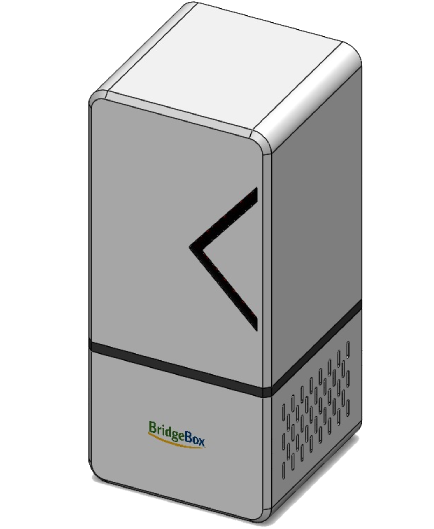
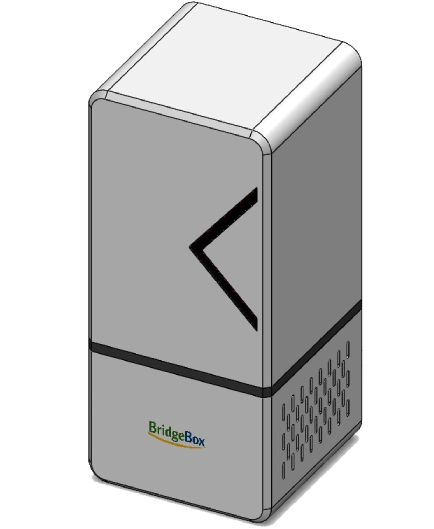
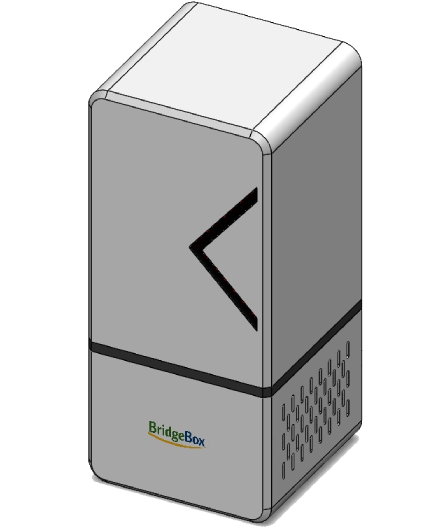
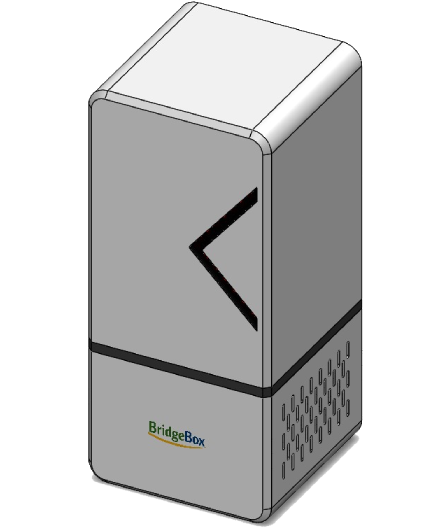
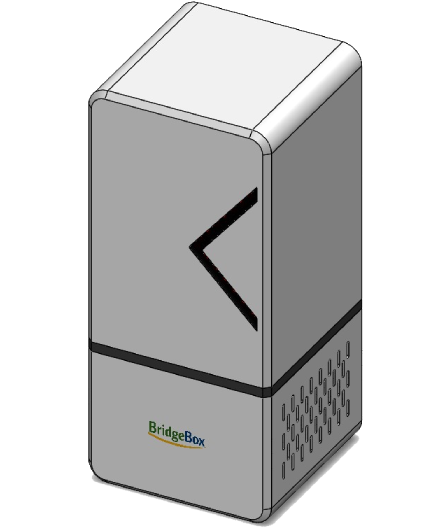
BridgeBox offline learning server

Why BridgeBox Matters

Across many parts of Nigeria and other developing regions, schools struggle to access digital learning tools because of poor internet connectivity, unreliable electricity, and limited digital infrastructure.

According to the National Bureau of Statistics and the Federal Ministry of Education, millions of students in rural and underserved communities still rely primarily on outdated textbooks and handwritten notes due to lack of digital learning systems. BridgeBox addresses this challenge by providing a fully offline digital learning solution that enables schools to deliver modern education without depending on internet connectivity. The system allows teachers to deliver lessons, share digital materials, conduct assessments, and manage classroom learning through a simple local network.

Offline Learning Access

BridgeBox provides a complete offline platform where learners access lessons, textbooks, videos, and quizzes without internet.

Curriculum-Aligned Content

BridgeBox supports educational content aligned with national curricula, including PDFs, videos, images, and assessments.

Teacher Dashboard

Teachers can upload learning materials, manage lessons, assign tests, and track student progress.

Multi-User Access

BridgeBox supports multiple learners simultaneously, allowing an entire classroom to learn at the same time.

Solar-Compatible Deployment

The system can run with solar power and battery backup, making it suitable for areas with unstable electricity.

Inclusive and Local Language Ready

BridgeBox can support local language content and accessibility-focused materials for learners with disabilities.

Core Platform Capabilities

BridgeBox combines practical hardware and lightweight software to create a reliable offline education system.

Offline Learning Management

Delivers a complete offline learning management environment for students and teachers.

Local Wi-Fi Content Delivery

Creates a local wireless learning network that works without internet connectivity.

Multi-User Classroom Access

Supports simultaneous access for an entire classroom of learners.

Curriculum Content Hosting

Hosts curriculum-aligned learning resources including lessons, PDFs, and videos.

Assessment and Quiz Management

Enables digital assessments and quizzes within the offline classroom environment.

Teacher Content Dashboard

Allows teachers to upload materials, manage lessons, and monitor learning progress.

BridgeBox also supports low-cost hardware deployment and scalable implementation across multiple schools and learning centers.

How BridgeBox Works

  • Step 1 – Power the Device

    BridgeBox runs on a small computer device such as a Raspberry Pi that stores educational content locally.

  • Step 2 – Create a Learning Wi-Fi Network

    The system broadcasts a local Wi-Fi signal that students and teachers can connect to without internet data.

  • Step 3 – Access the Learning Platform

    Users open their web browser and log in using their phone, tablet, laptop, or desktop computer.

  • Step 4 – Learn and Teach Offline

    Students access lessons, videos, quizzes, and resources while teachers upload content and manage classroom learning.

Why BridgeBox Works

  • Reliable Offline Operation

    The platform works without internet connectivity, ensuring consistent access to learning materials.

  • Affordable Technology

    BridgeBox uses low-cost hardware and open-source software to reduce deployment costs.

  • Easy Deployment

    The system can be deployed quickly in schools and learning centers without complex infrastructure.

  • Scalable Model

    BridgeBox can be replicated across multiple schools, districts, and learning programs.

Built for Real-World Learning Environments

BridgeBox is designed for communities where connectivity is limited and reliability is essential.

Reliable Offline Operation
Affordable Technology
Easy Deployment
Scalable Model

Where BridgeBox Can Be Used

BridgeBox is designed for environments where internet-based learning systems are difficult to deploy.

BridgeBox supports learning in rural and underserved schools, community learning centers, low-cost private schools, and informal education programs.

School and Community Learning

Primary Deployment Environments

It can also be used in refugee and IDP camps, teacher training programs, and digital literacy initiatives, helping learning continue even in challenging conditions.

Humanitarian and Special Programs

Extended Deployment Environments

Get BridgeBox Updates

Receive product updates, deployment stories, and new feature announcements from Zee Tech Foundation.

Frequently Asked Questions

Common questions about BridgeBox and how it delivers digital learning without internet access.

What problem does BridgeBox solve?

BridgeBox removes the need for internet connectivity in digital learning environments by providing a local offline learning platform.

BridgeBox can be used by primary and secondary schools, community learning centers, NGOs, refugee and IDP camp learning centers, and underserved learners, including learners with disabilities.

Any device with a web browser can connect, including smartphones, tablets, laptops, and desktop computers.

Yes. BridgeBox is designed to support multiple learners simultaneously within the same learning environment.

No. BridgeBox works fully offline. Internet is only needed when updating content or performing system updates.

Yes. Educational materials can be added in multiple languages, including local languages, to make learning more accessible.

Contact the BridgeBox Team

Reach out to learn more about BridgeBox, deployments, and how to use the platform in your learning environment.

+234 810 326 9627

Isa Yuguda House, Plot 19/23, Jos Road Bauchi, Bauchi State